Placing Orders in Arda
Last updated: January 26, 2026
This article explains how to place orders using the Arda Platform. You will learn the essential steps to manage and complete orders effectively.
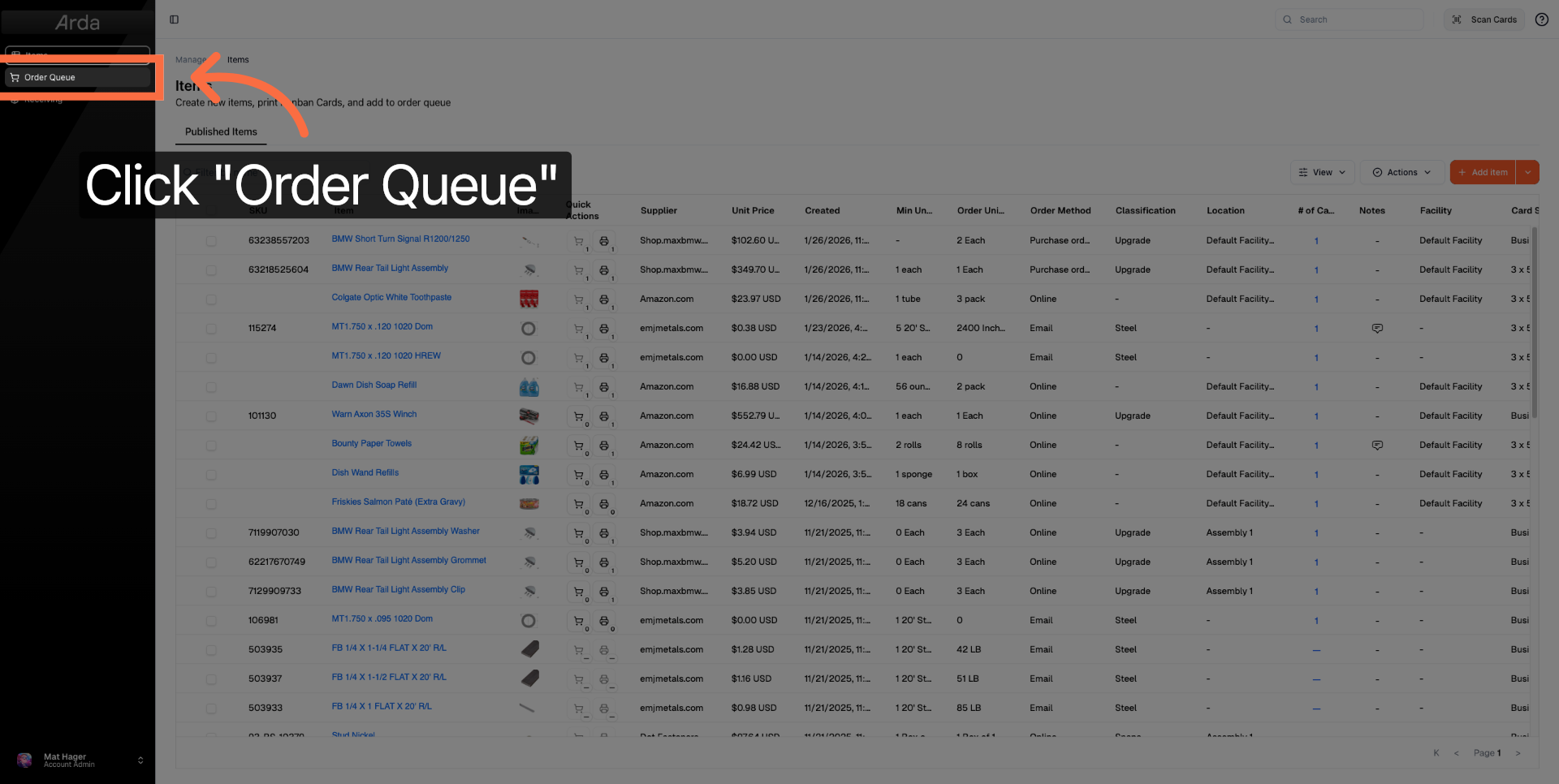
1. Navigate to Order Queue
Click the Order Queue to view all pending orders awaiting processing.
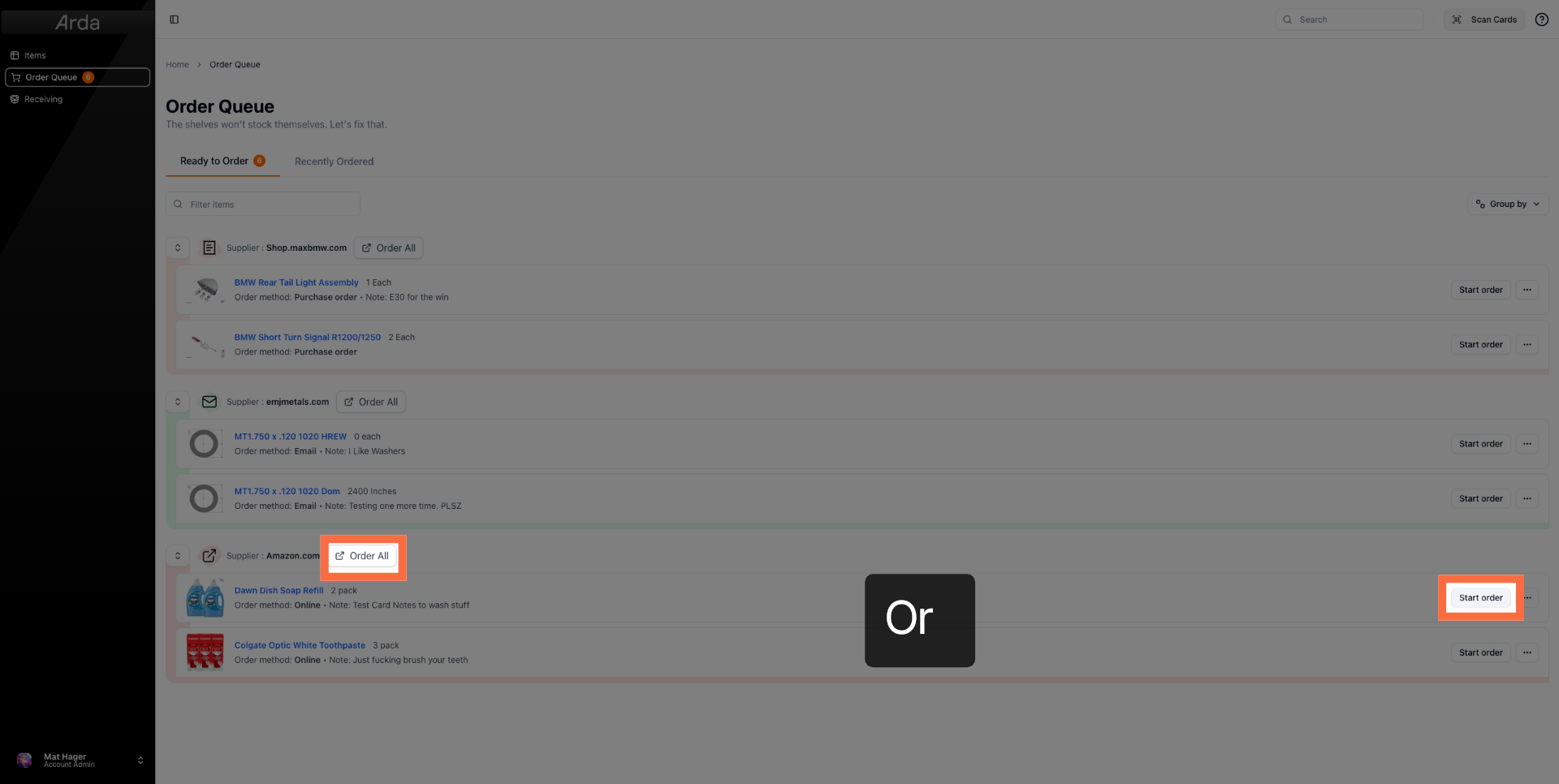
2. Initiate New Order of a Single Item
To order an individual item, Click Start order to begin placing a new order within the system. You can also click Order All to order everything from the vendor. Depending on your order method, different processes will be triggered. Complete the order process.
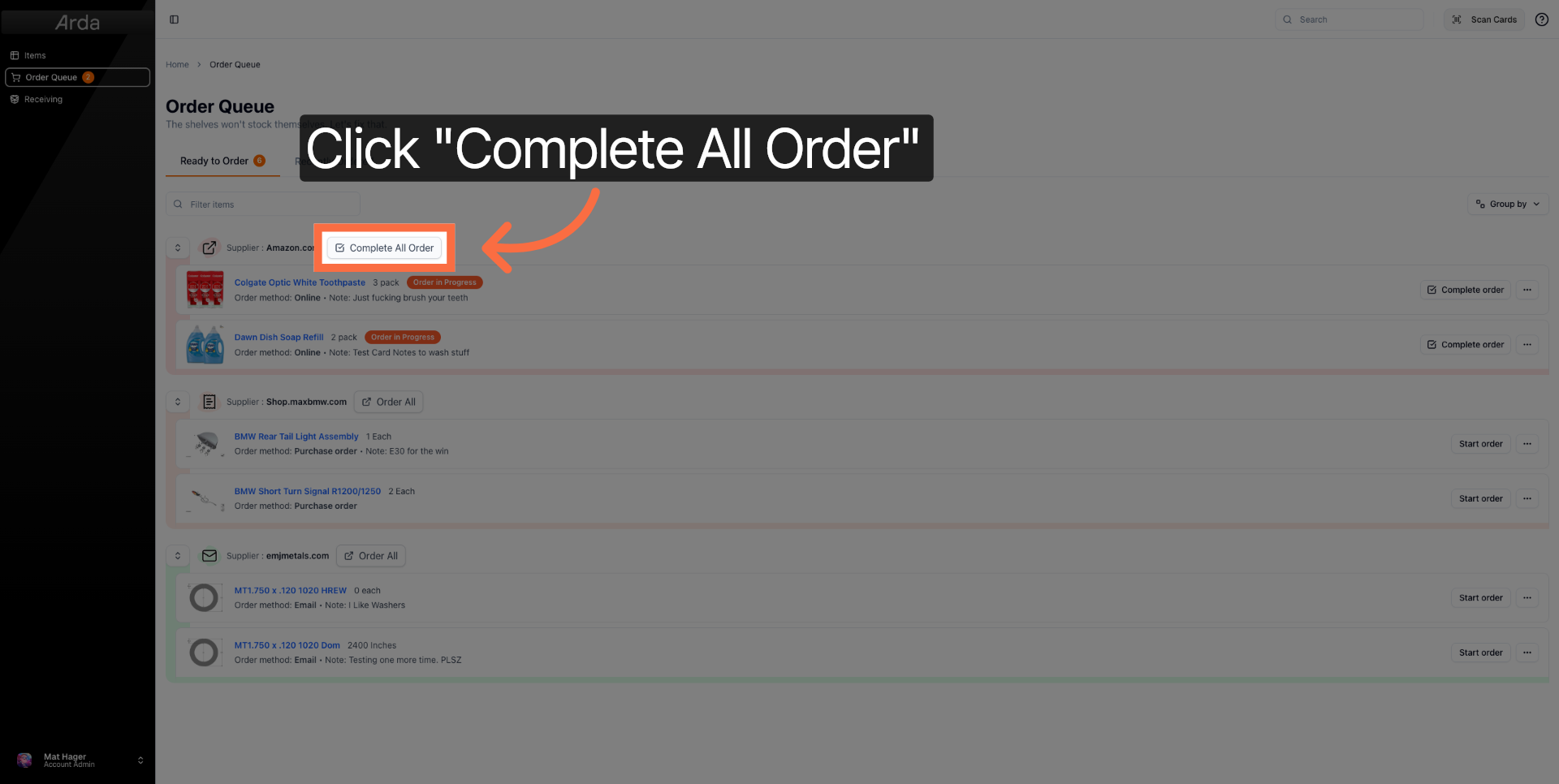
3. Log Order Completed
Click Complete All Order to record that you've completed your order for a given vendor.
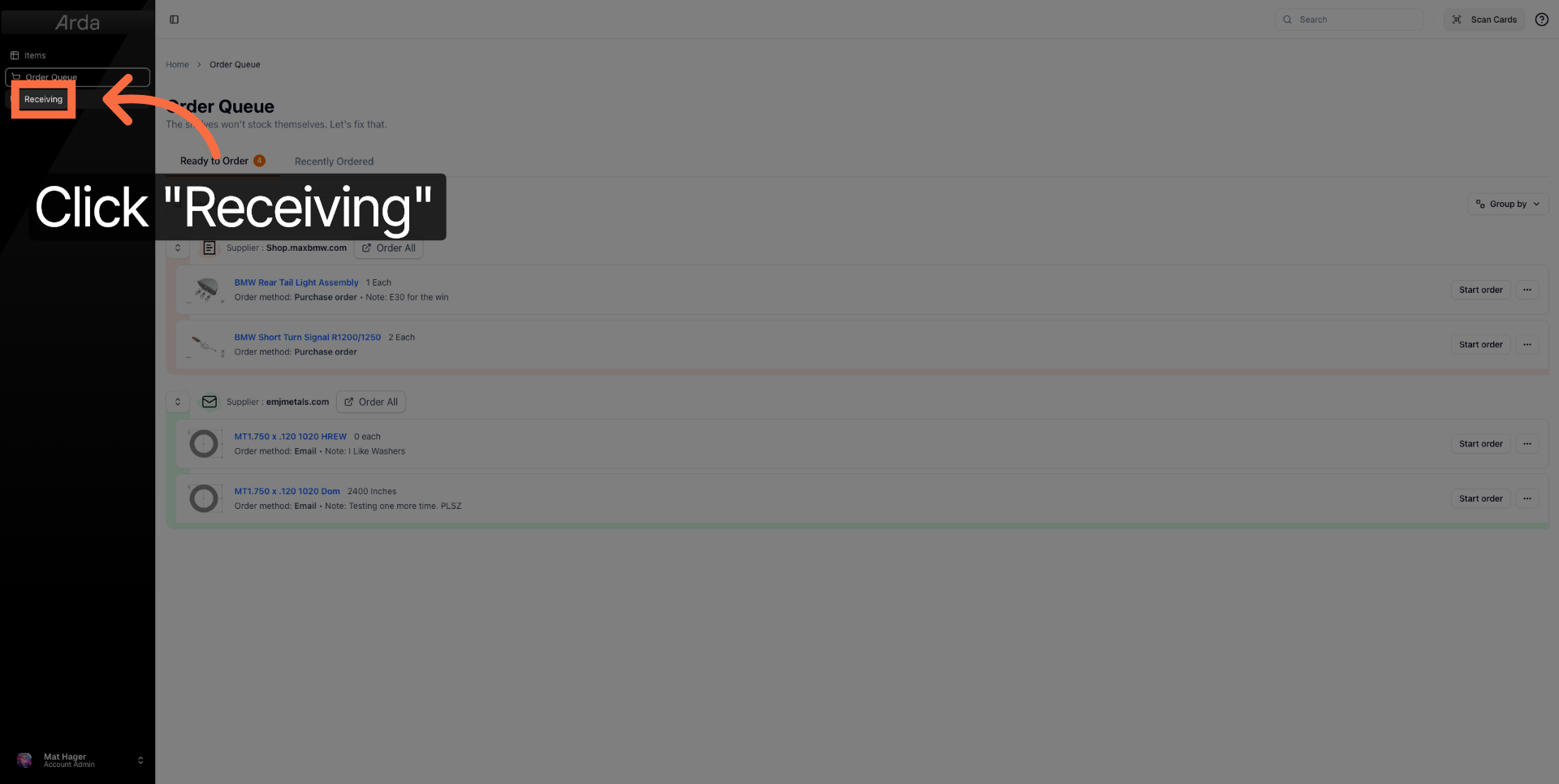
4. Access Receiving Section
Click Receiving to proceed to the section where incoming orders are managed and confirmed.
Following these steps allows you to efficiently place and complete orders in Arda Workspace. For more information, refer to related articles on order management and inventory processing.