Scanning Cards into Arda from a Desktop or Laptop
Last updated: January 23, 2026
This article explains how to scan cards into Arda on a desktop or laptop. You will learn the steps to efficiently process cards ready for order using a QR code scanner. Prerequisites. Here are that you have a QR code scanner, connected to your laptop. And the cards you're going to scan in hand.
1. Introduce Card Scanning Process
Hey everyone. Matt from Arda here, we're going to be talking through how you scan cards that are ready for order.

2. Outline Two Scanning Methods
We're going to go through 2 different ways. When Arda is open already and when Arda is not open.

3. Scanning cards when you don't have Arda open
To scan a card when I don't have Arda Open I'm going to open a browser go to the URL bar.

4. Scan First Card with QR Scanner
Using your QR code scanner, scan the first item. You're going to see that this Arda scan modal opens.

5. Use The Scan Model for Card Processing
You can then proceed to scan all the additional cards that are ready for ordering.
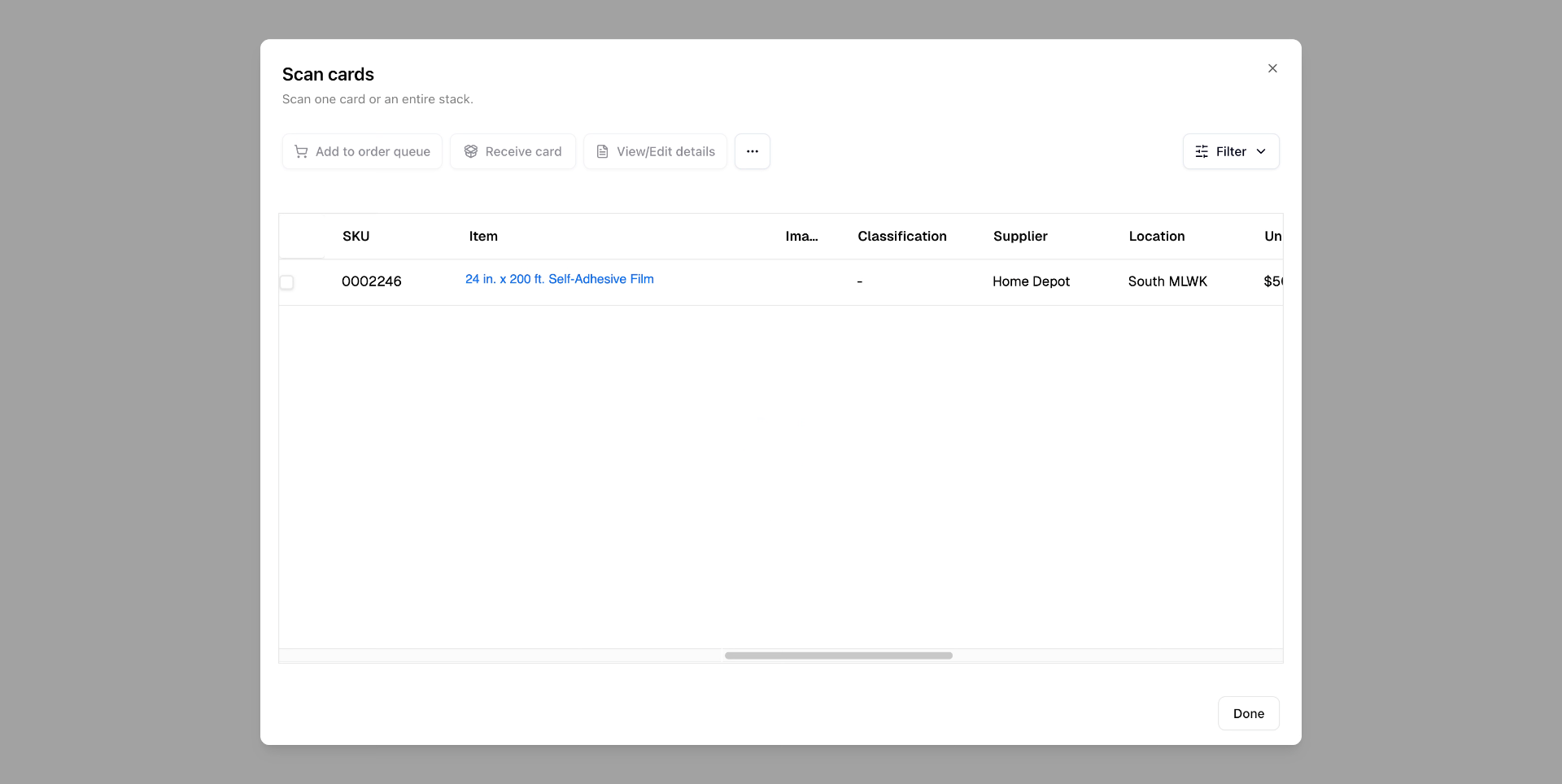
6. Scan in remaining cards
Continue scanning the remaining cards until everything is processed
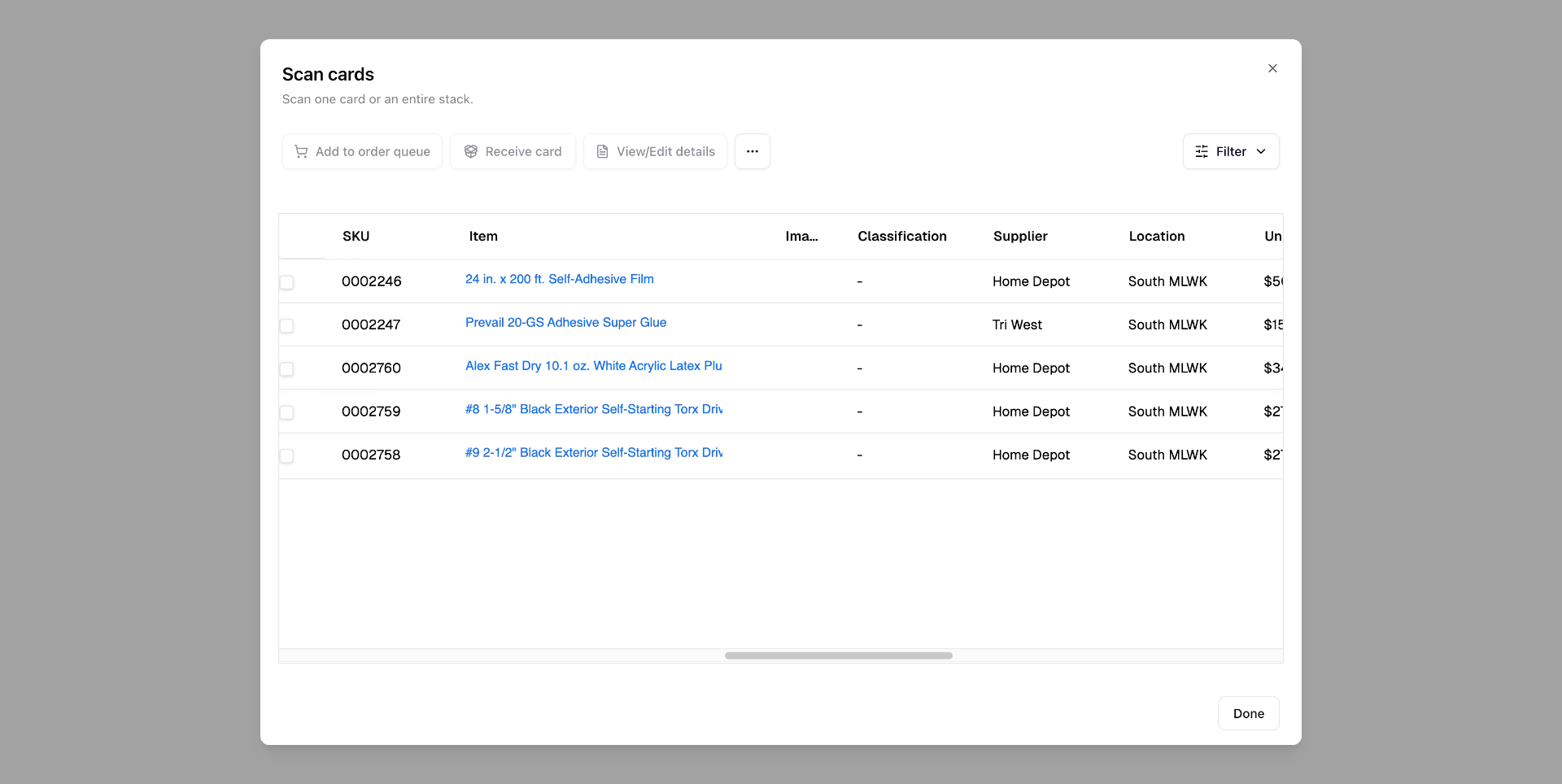
7. Select All Scanned Cards
Now that I've scanned all these cards, I could come and hit select all.
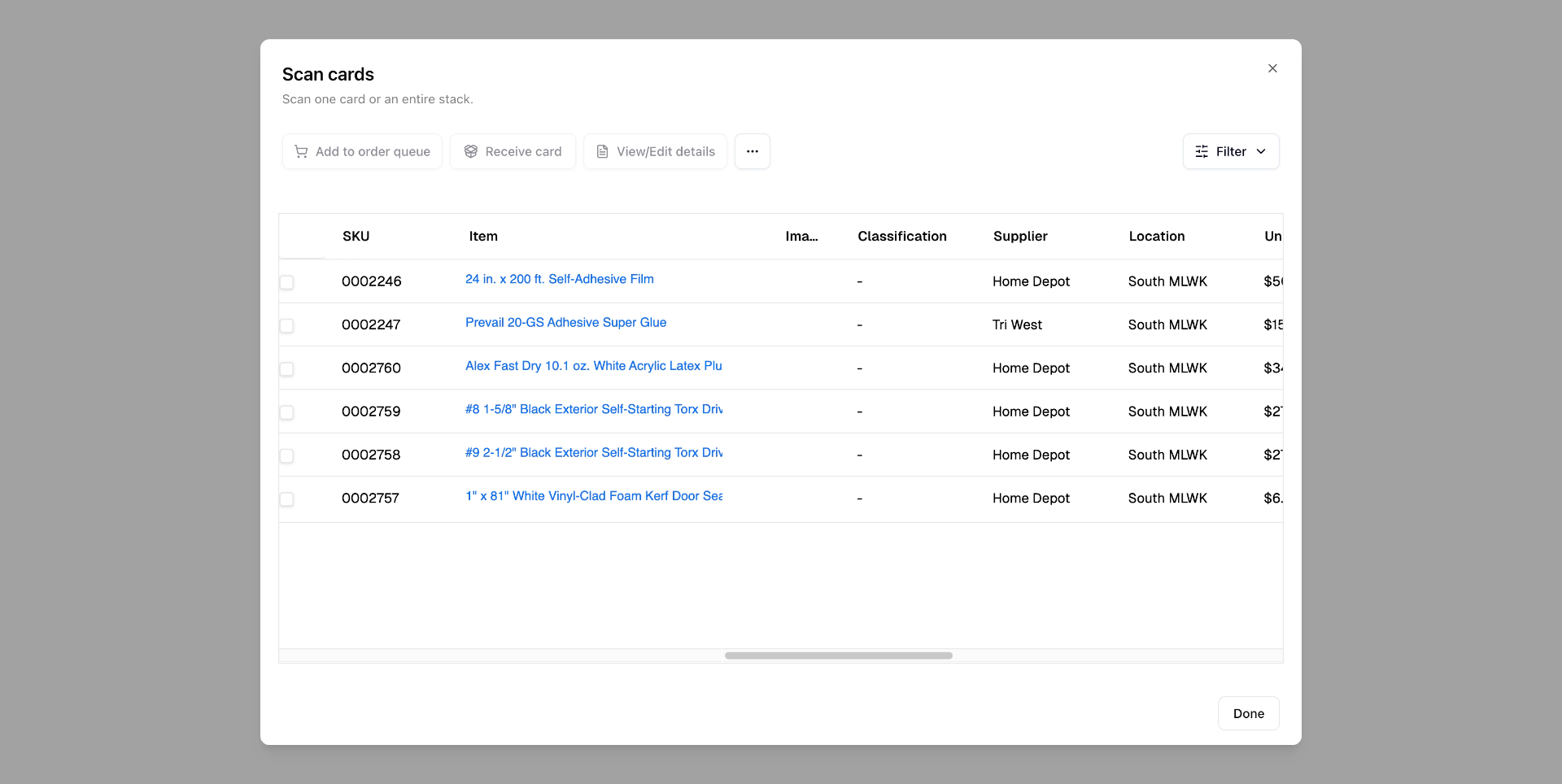
8. Add Cards to Order Queue
Click the Add to order queue button to send selected cards to the order queue.
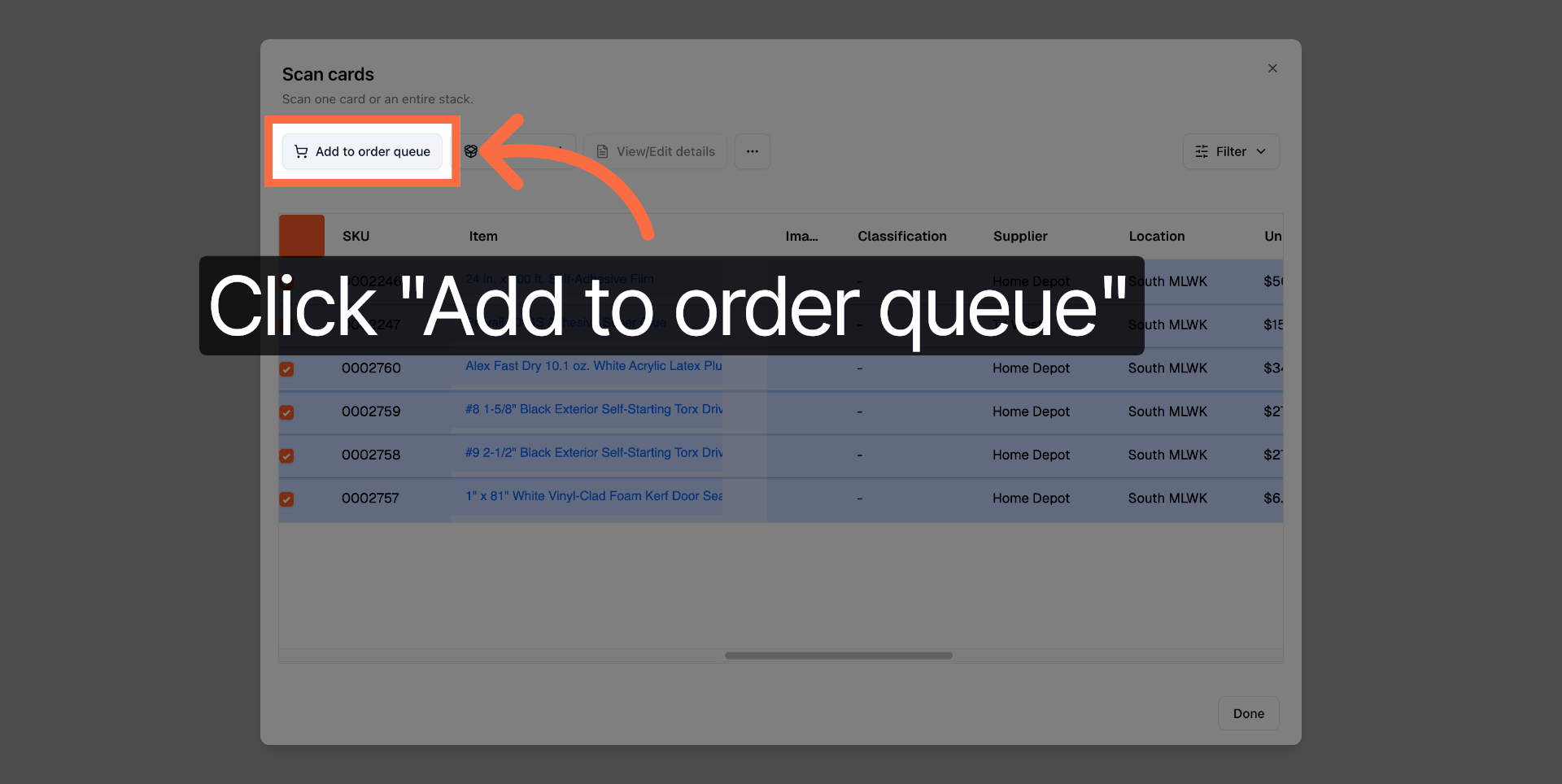
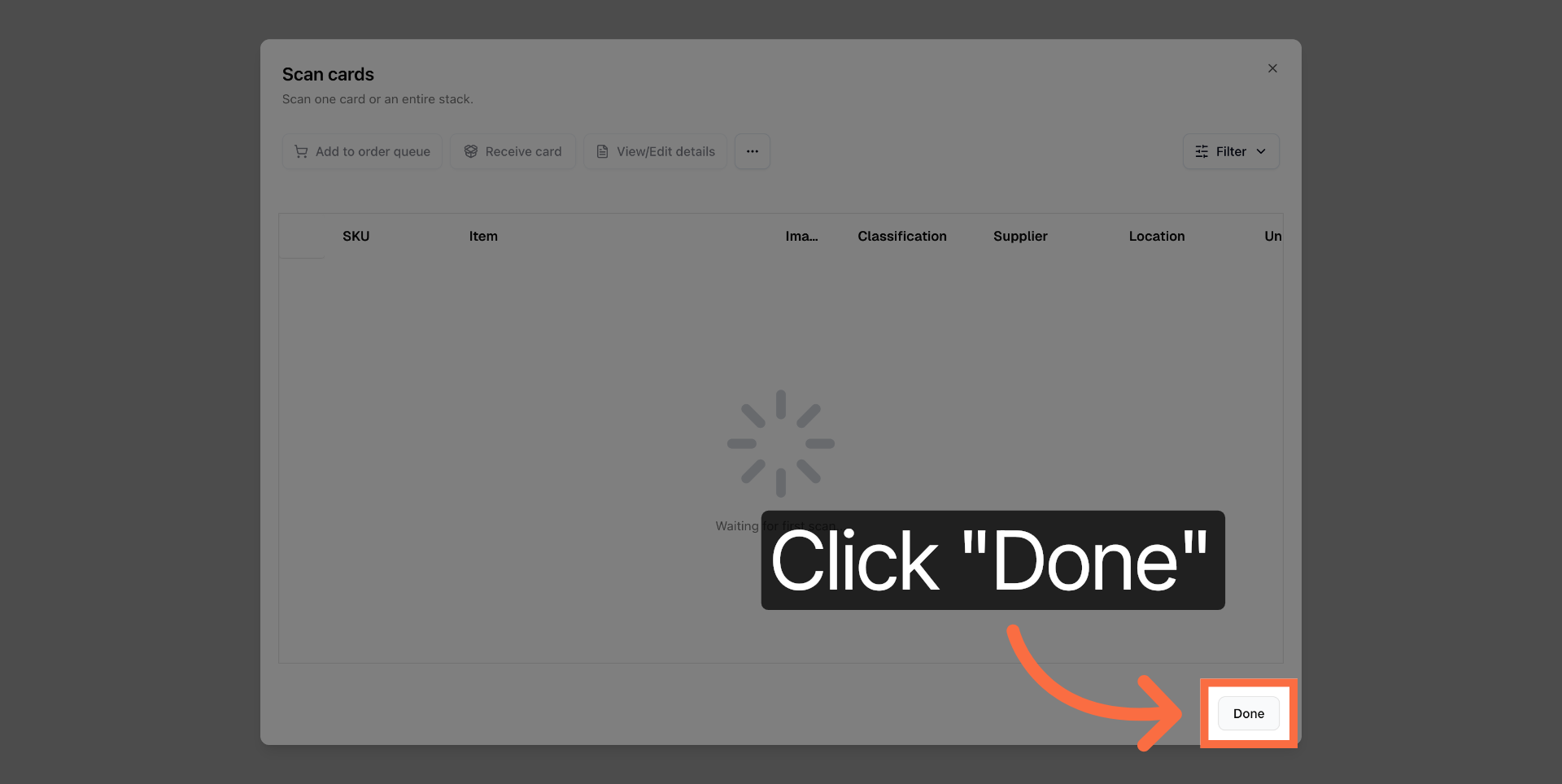
9. Complete Scanning Process
Click the Done button to complete the scanning and ordering process.
10. Alternative Scanning Within Arda
Now, let's say we were in Arda already, and we wanted to do the same action rather than going into the URL bar.
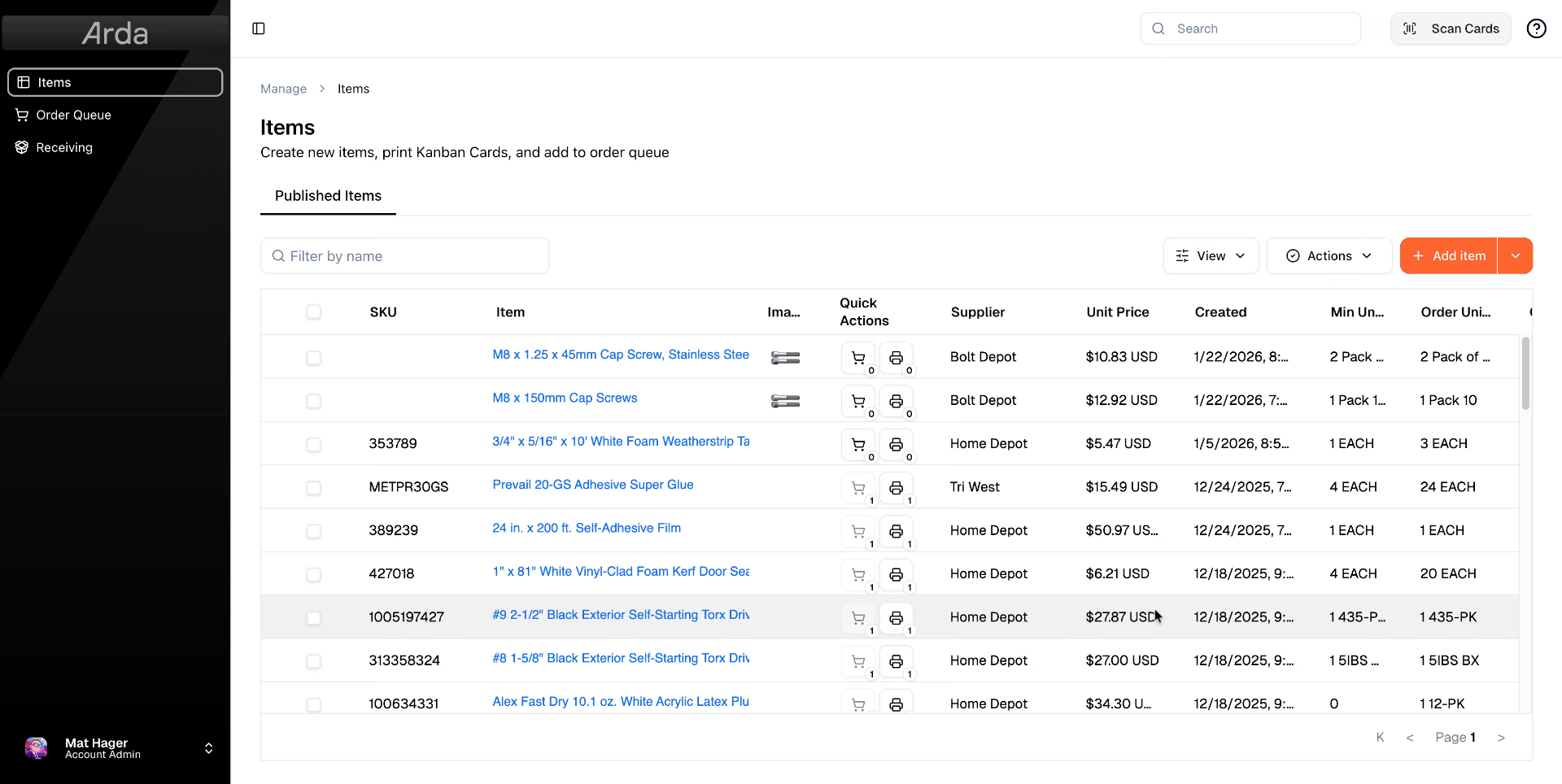
11. Open Scan Cards Feature
Just click the Scan Cards button within Arda to start scanning cards directly.
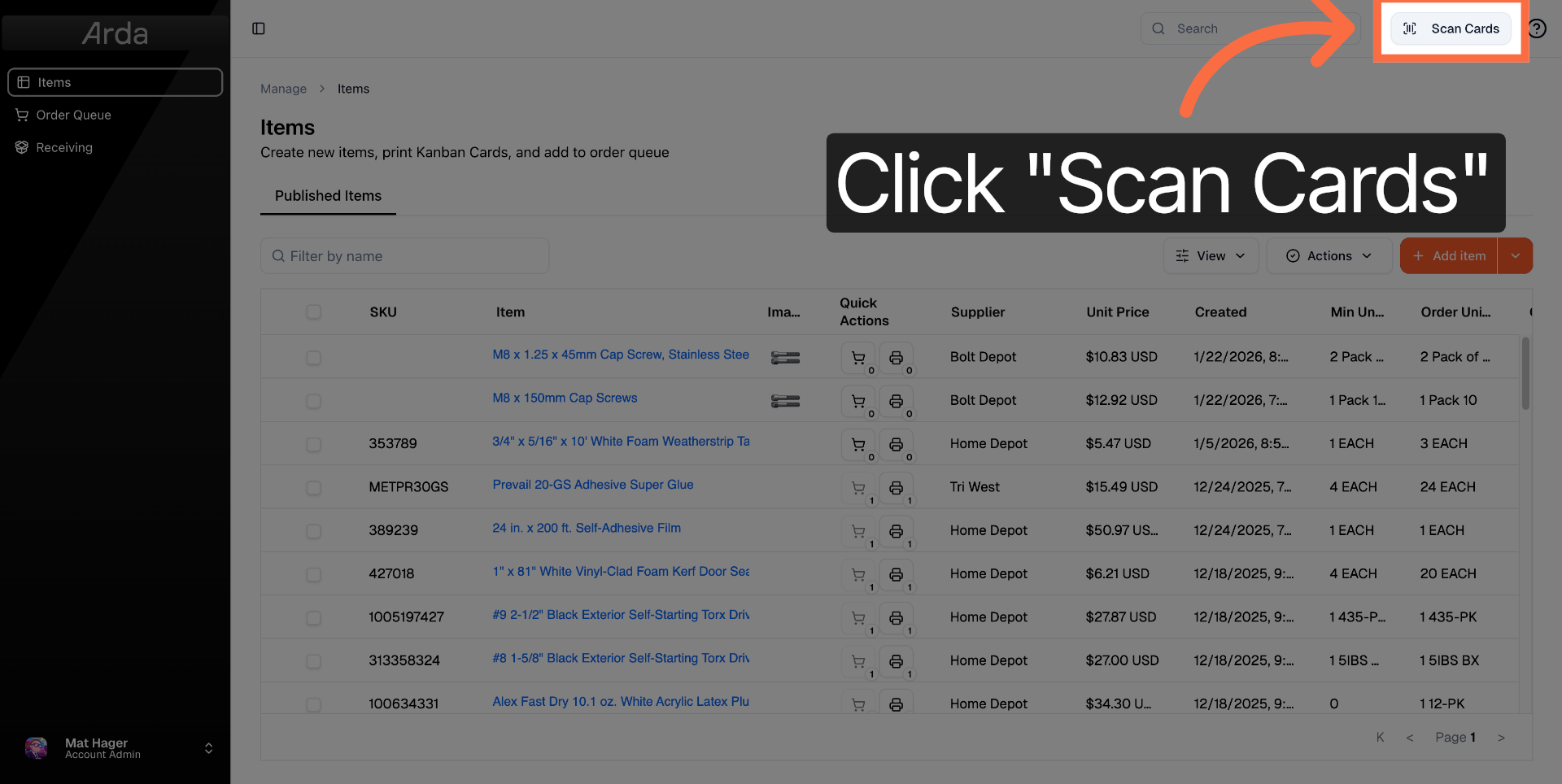
12. Scan Cards Using Scanner
Scan any cards you have ready

13. Repeat Steps to Add Cards to Order Queue
With the cards scanned. I can repeat the steps for adding to order queue. And place my orders.
This article has guided you through scanning cards into Arda using a QR code scanner on your desktop or laptop. You learned two methods to scan cards, add them to the order queue, and complete the ordering process efficiently.