Tutorial: Creating Departments and Locations
Last updated: January 26, 2026
This tutorial will guide you through creating departments, locations, and sublocations in Arda’s Coda-based workspace. We’ll start from the top level—departments—and work our way down. You don’t need perfect information right away; the system is flexible and allows you to adjust as you go.
Prerequisites
Access to your Arda workspace in Coda
Steps
Access your My Business Section of Arda
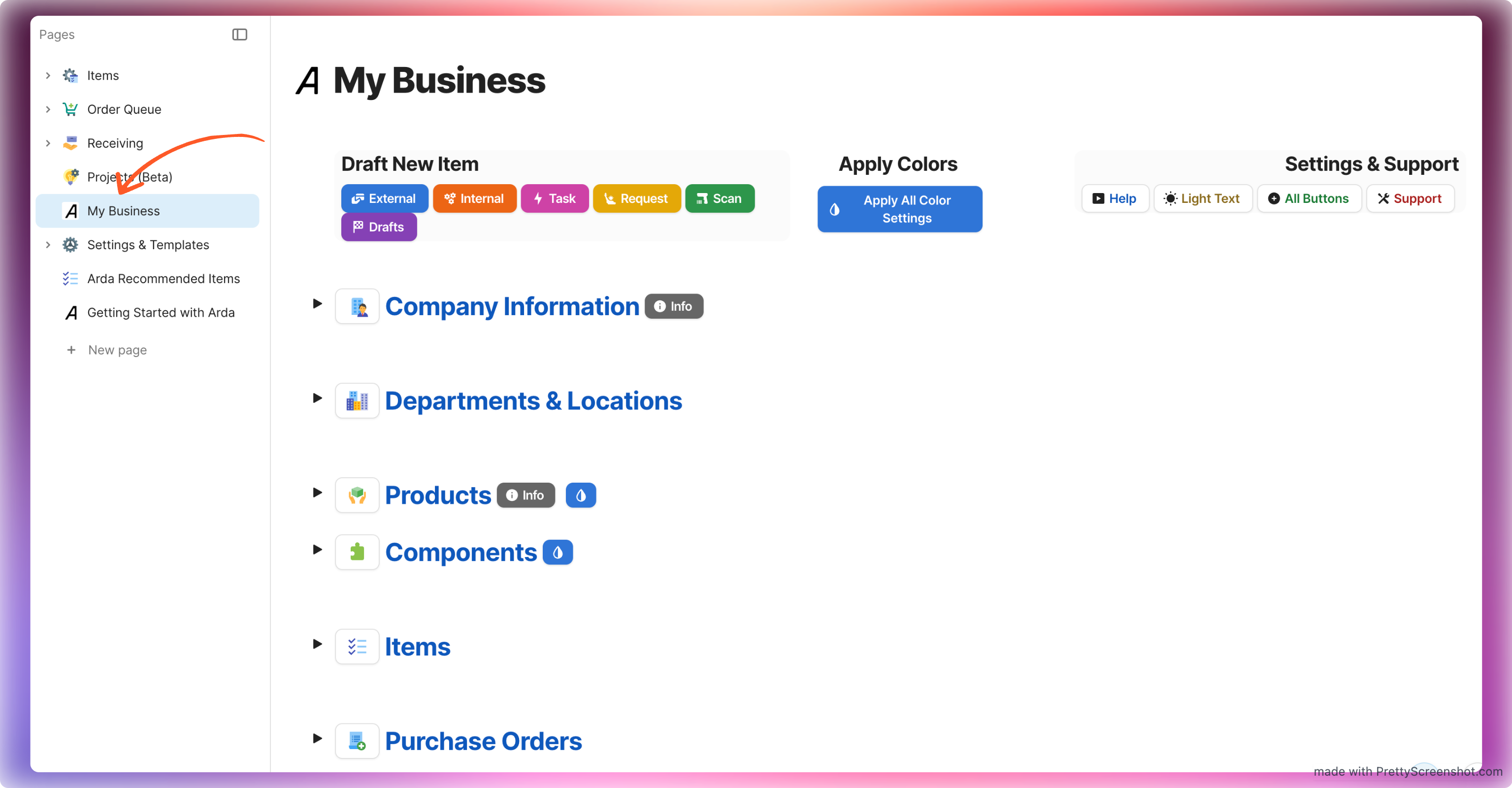
Create Your Department Structure
Open the table for Departments.
Create a broad list of your organization’s departments.
If you don’t have formal departments yet, here are some ways to group work:
By function – e.g., Administration, Production, Sales.
By process – e.g., Design, Printing, Assembly.
By physical area – e.g., Front Office, Workshop, Storage Room.
By team ownership – group locations by the people or teams responsible for them.
Example starting point:
Admin,3D,CNC.Remember: You can always refine this list later.
Assign Colors to Departments
Use the department color-coding feature to visually distinguish departments.
This will help when organizing locations later.
Create Locations Under Departments
Option 1 (Recommended for your first location for each department)
Select the location column for the department you would like to add a location.
Select Add new and type the name of your location
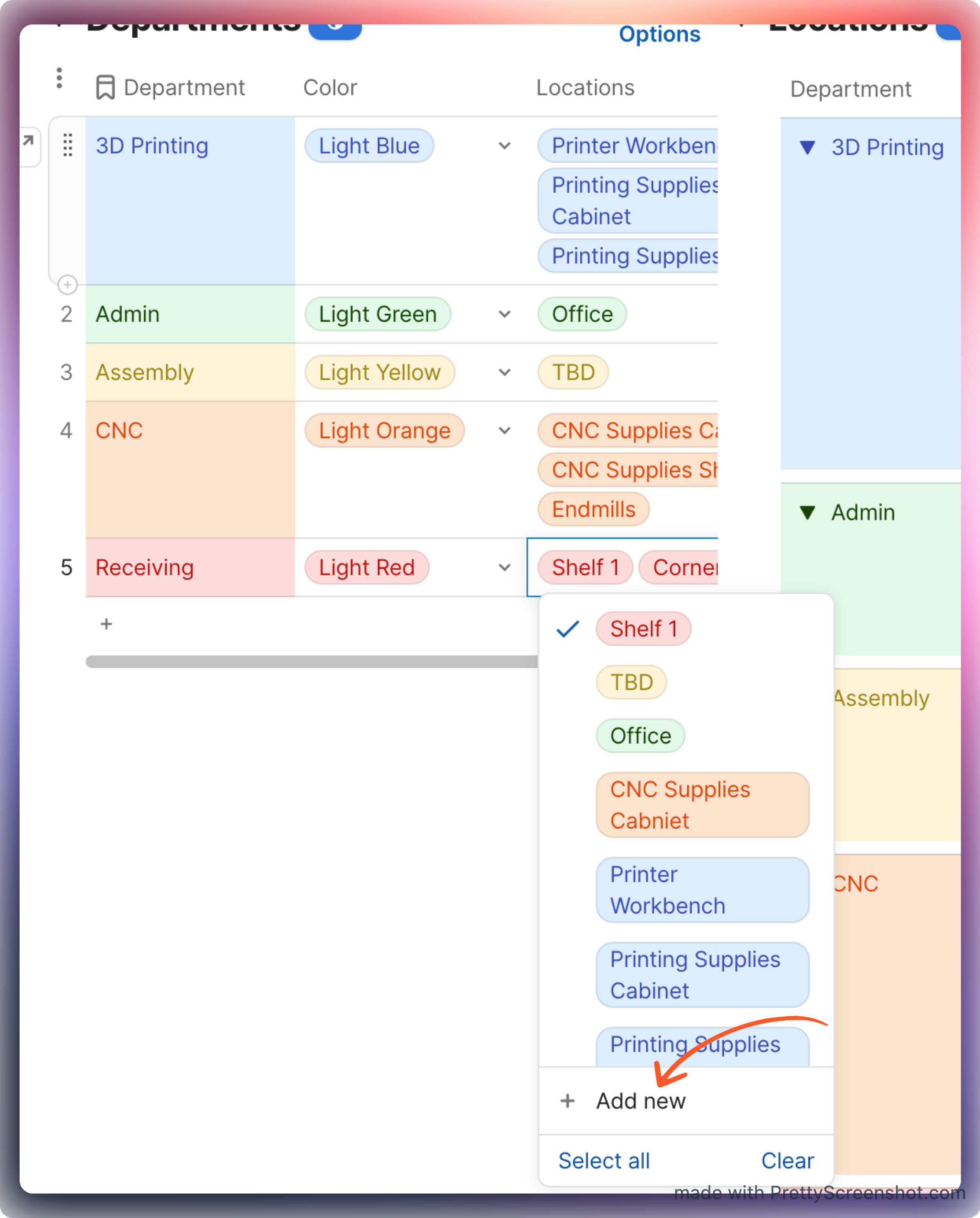
Option 2 (Recommended after you create your first location for a department)
In the Locations table, click New Row to add a location.
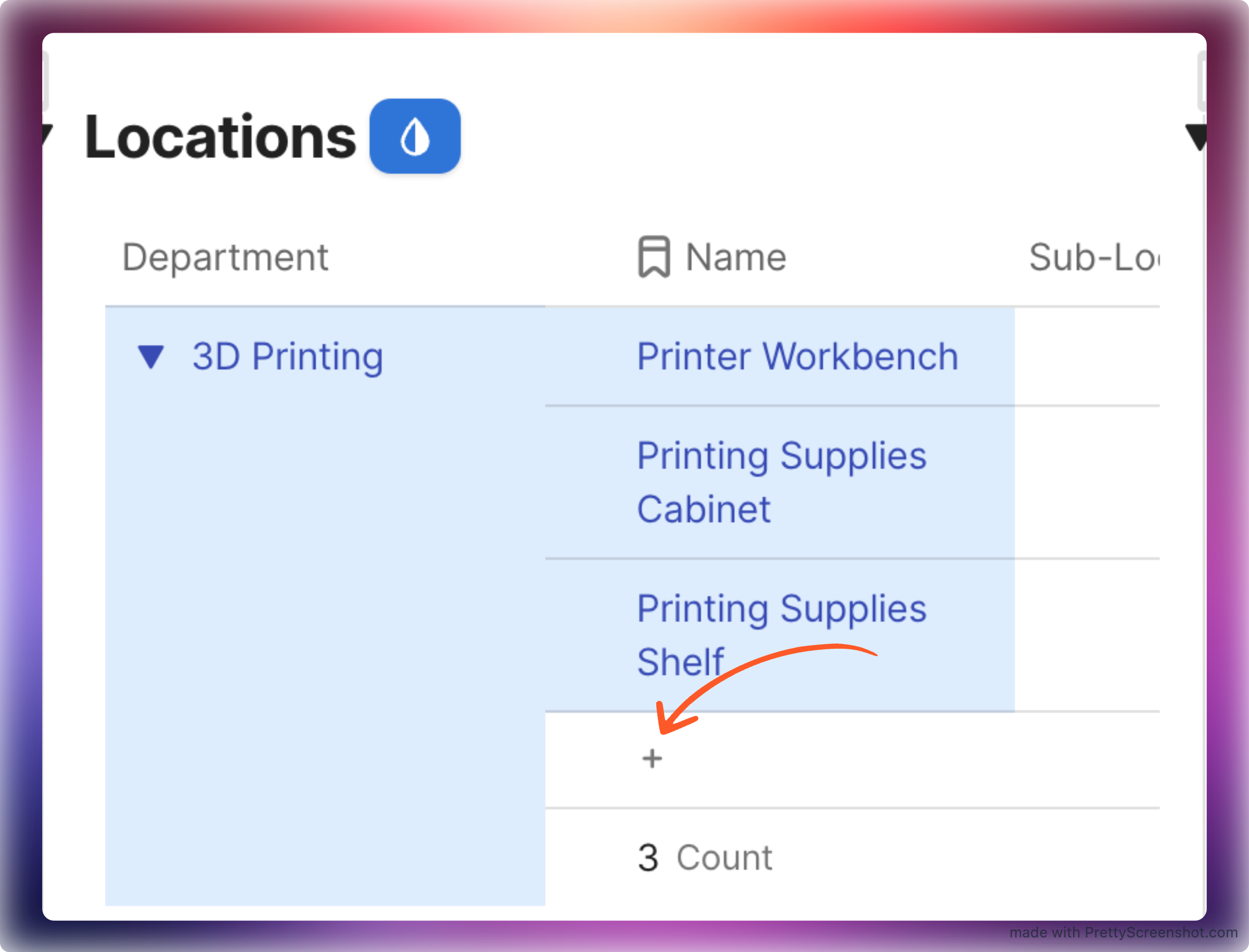
Enter the location name, such as
Printer WorkbenchorPrinting Supplies.Repeat this process for each department and location and sub location .
Note: Sub-location creation is the same as location except from within the Location and Sub-location tables
Optional Color-Code Locations by Department
If you'd like to color code your cards by Department (recommended if you have 7 or fewer departments)
Go to Settings and Templates
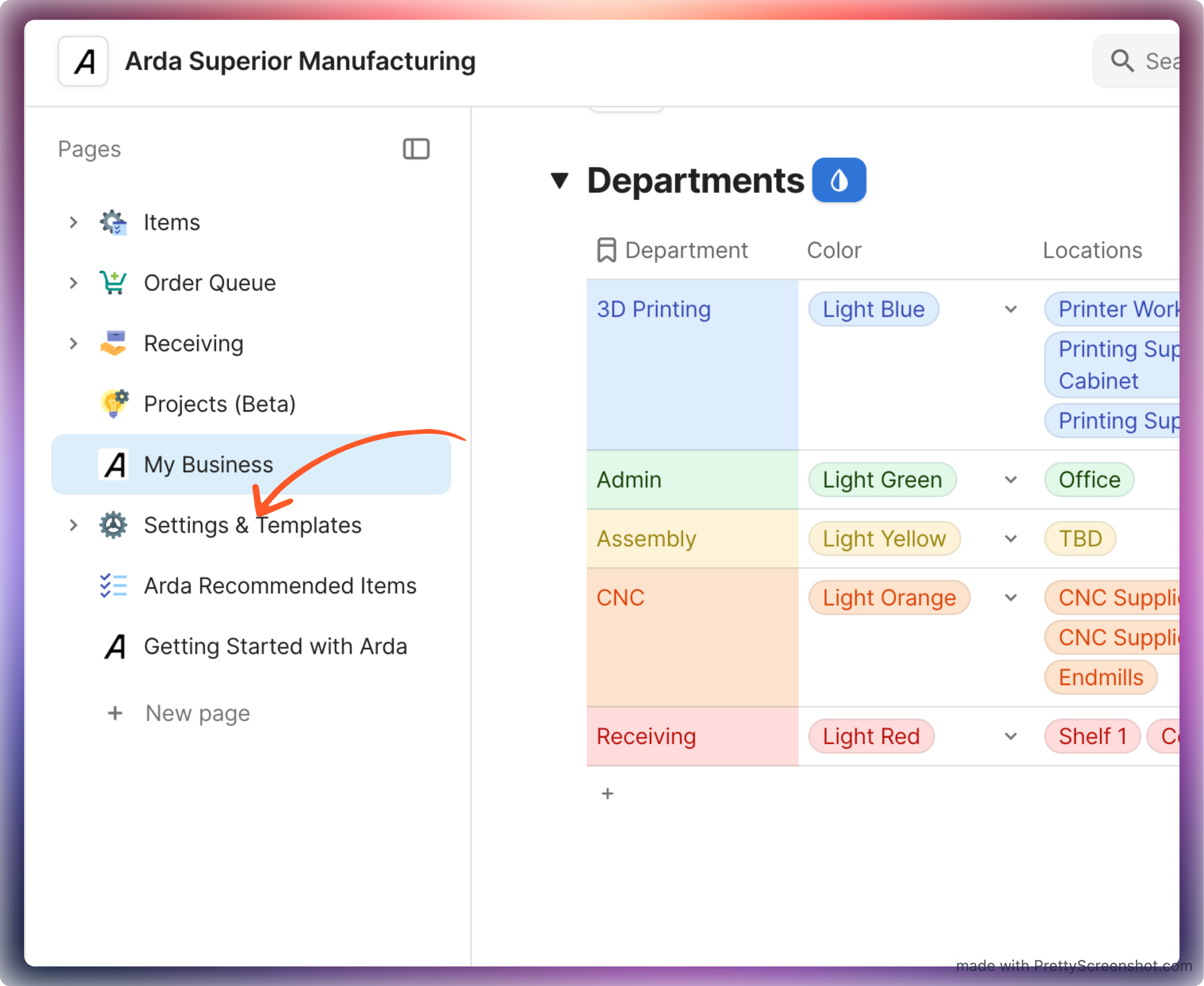
Scroll to and expand Color Coding Options
Update Color Code Item. Names By to Department
Summary
You’ve set up a basic department and location structure in Arda, complete with color coding and placeholders for items you’re still organizing. This structure forms the backbone for inventory tracking, making future management more efficient.